← Guides and reviews / Tech
Buying guide / Tech
KAMRUI Hyper H1 1TB: A Small Living-Room PC with Gaming Limits
Where the Ryzen 7 7735HS Hyper H1 fits: a compact TV or desk PC, with a realistic look at integrated graphics, memory and setup.
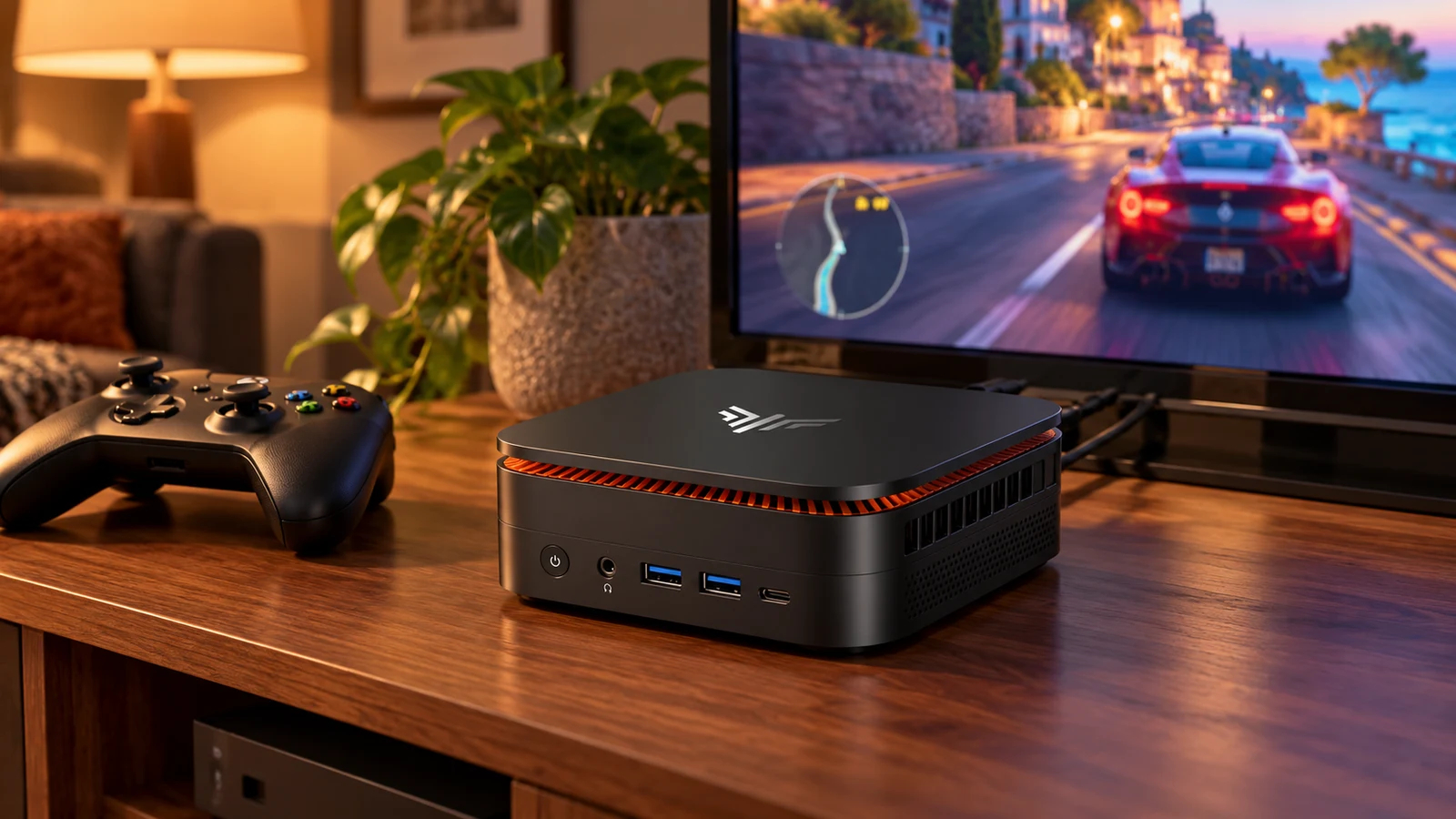
AI-generated product-in-use illustration. The pictured screen is illustrative and is not evidence of tested game performance.
A living-room computer has to earn its place next to the television. It should do something your streaming box cannot do, fit comfortably on the shelf and be usable from the couch. The KAMRUI Hyper H1 is worth a look if that means desktop applications, a game library and occasional work on a larger screen.
The configuration here is the Ryzen 7 7735HS model with 24GB of LPDDR5 memory and a 1TB SSD. This is a researched buying guide, not a hands-on performance review.
Start with the exact H1 version
KAMRUI also sells an H1 with a Ryzen 5 7640HS. It is not the same processor with a smaller number of cores tacked onto the name. The linked 7735HS version is the one covered here, and AMD identifies its integrated graphics as Radeon 680M.
The current Amazon listing specifies 1TB of storage. Other H1 listings and the manufacturer’s selector include different capacities. Check your selected variant immediately before checkout, especially if you arrive through a search result that advertised another storage size.
Record three things on your comparison sheet: processor, installed RAM and installed SSD. Then compare the full delivered cost, including any keyboard, controller or cable you still need.
Check the Hyper H1 1TB configuration on Amazon
Set sensible gaming expectations
The 680M is integrated graphics. It shares the machine’s memory resources rather than bringing a separate desktop graphics card and its own dedicated video memory. That matters more than the word “gaming” in a product title.
We would shortlist this kind of machine for lighter games, older favorites and a compact PC that can also stream games from another system or service. For demanding recent games, look for testing of the exact title, resolution and settings you want. We are not promising a frame rate or console-equivalent performance for this unit.
The advertised ability to drive a 4K display is a display-output claim. It does not mean a demanding game renders smoothly at 4K. Decide whether you care about the television’s resolution for desktop work, games or both; they are different workloads.
Make it work from the couch
Allow air around the chassis instead of putting it in a sealed media cabinet. Place the power supply where its cable can reach without pulling on the PC. Test the keyboard and controller from the actual seat before you finish routing cables.
For a television, check that text remains legible at your seating distance and that the screen is not cutting off the desktop edges. A small wireless keyboard with a pointing device may be more useful here than a gaming keyboard that requires a table.
If streaming games is part of the plan, compare a wired network connection with Wi-Fi in your room. The quality of the connection to the host or service is part of that experience; it is not something a processor upgrade automatically fixes.
Check memory, storage and support
The 24GB LPDDR5 configuration should be treated as fixed memory unless the seller provides documentation proving otherwise. Do not infer replaceable RAM from another H1 variant or from the processor’s theoretical memory limit.
A 1TB drive offers more room than a smaller configuration, but the available space will be lower after formatting, the operating system and software. Keep a separate backup of saved work and irreplaceable files. Extra internal storage and a backup are different purchases.
Before committing, confirm the warranty provider, return window and support contact for the actual seller. If the plan is a quiet movie-room machine, use the return window to assess fan behavior at your own seating distance; a specification sheet cannot tell you how noticeable it will be in your room.
Who should keep it on the shortlist?
The Hyper H1 fits a shopper who values a small full PC and accepts the limits of integrated graphics. For a dedicated modern gaming machine, compare the complete price with a system that has a discrete GPU. For ordinary office work, the E3B and H2 configuration guide may lead you to a more suitable purchase.
Explore the computing and backup-power collection for all eight guides.
The product

KAMRUI Hyper H1 Mini Gaming PC, AMD Ryzen 7 7735HS(Beats 7640HS/6800H), 24GB LPDDR5 1TB M.2 NVMe SSD Mini PC(8C/16T,up to 4.75GHz), 16MB L3 Smart Cache, Triple 4K Display/WiFi6/BT5.2/Mini Desktop PC
$539.99
In Stock
Checked . Prices and availability may change; Amazon confirms both at checkout.
See the current price and availability on Amazon.
As an Amazon Associate I earn from qualifying purchases.
Each product shows when its price and availability were checked. Confirm the current offer on Amazon before buying.
Sources
Free weekly email
Get the Shop Llama Deal Drop
Fresh markdowns we spotted, straight to your inbox.
Fresh deals will land in your inbox soon.
Keep reading
 Buying guide
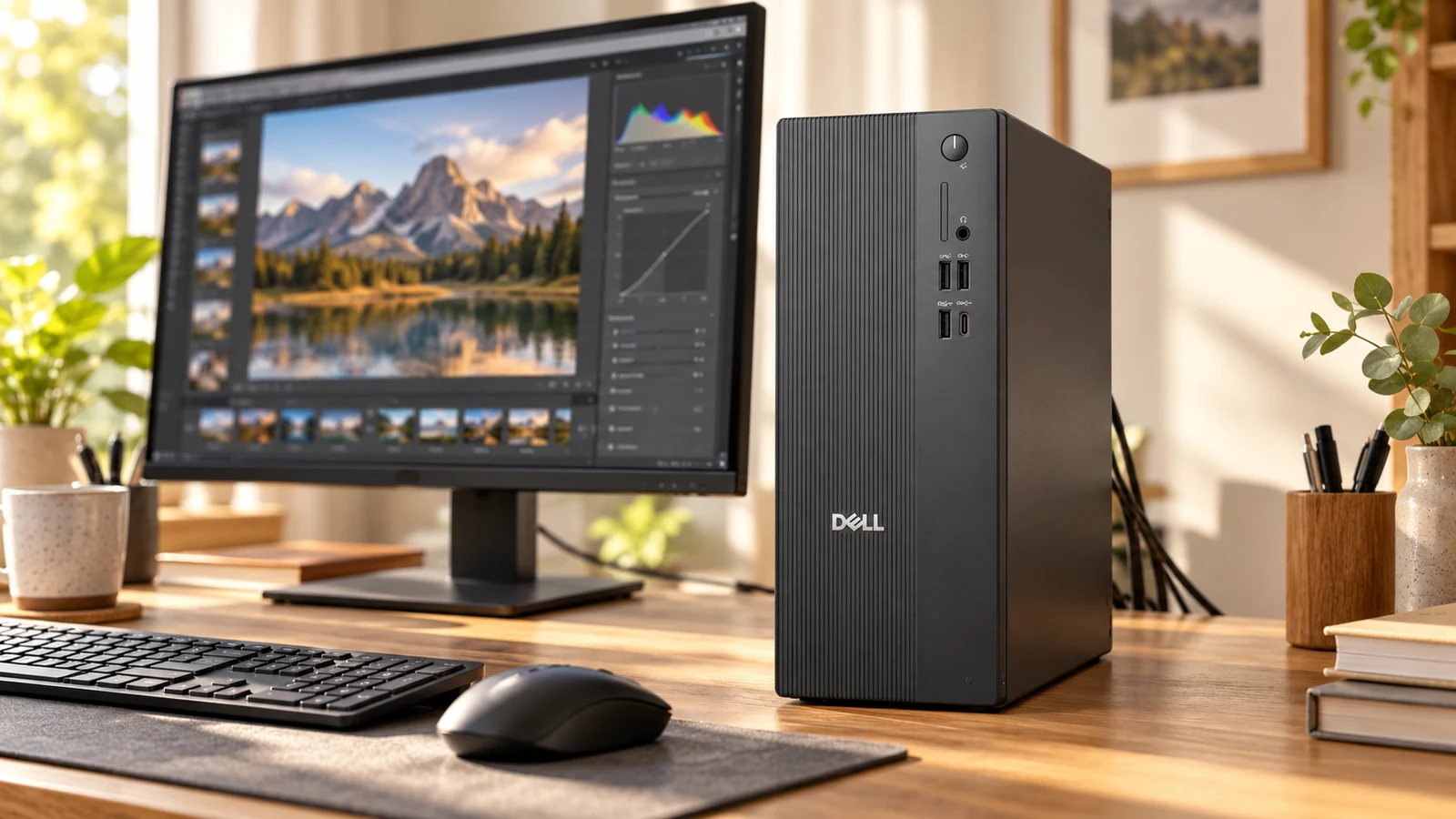
Buying a Dell or HP Desktop from a Third-Party Seller: What to Check
A desktop buying checklist for marketplace listings: exact configuration, seller upgrades, warranty ownership, graphics and the real cost of an all-in-one.
Read the guide →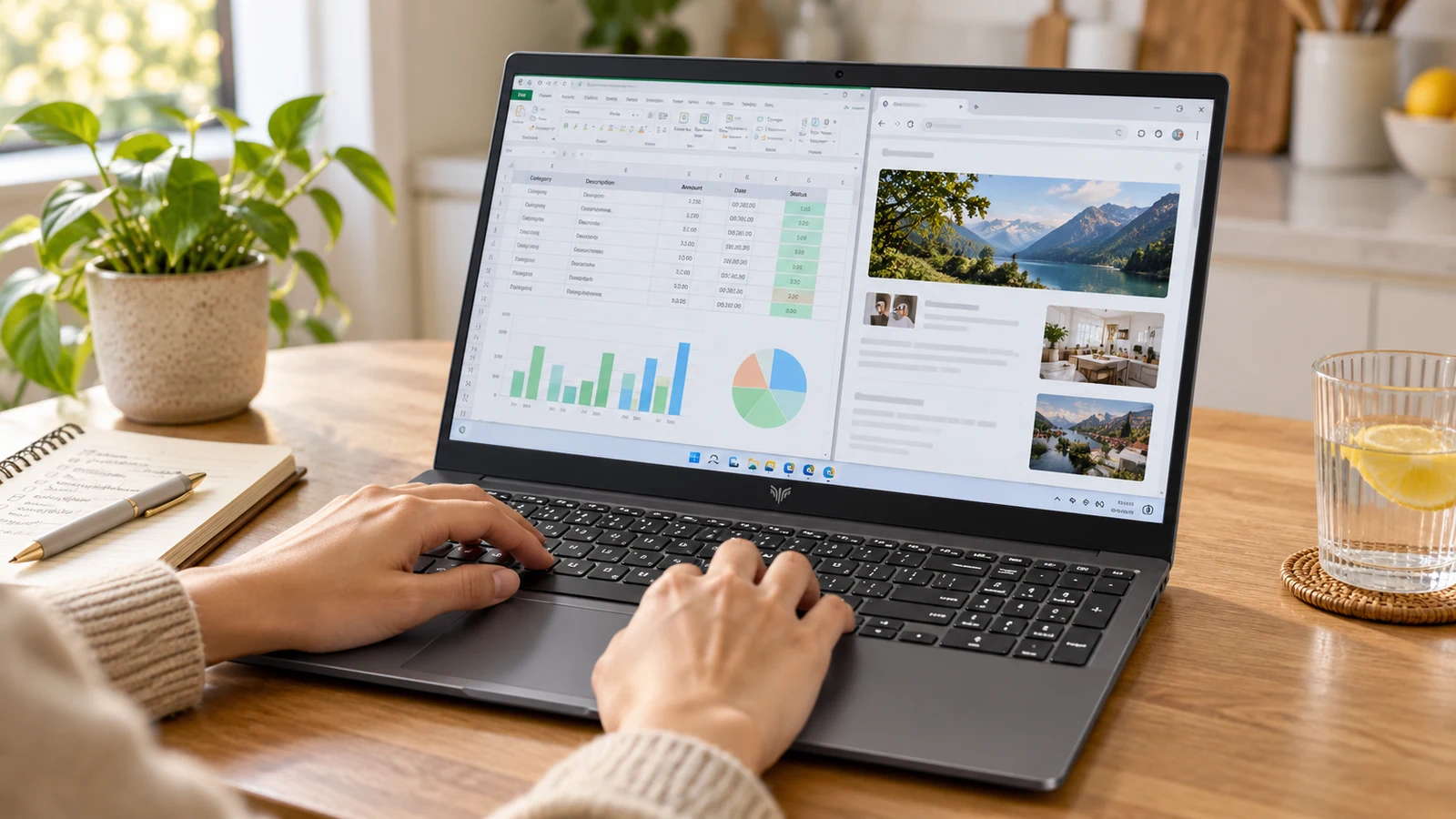 Buying guide
KAIGERR Ryzen Laptops: Read the Configuration Before the Discount
A practical look at KAIGERR Ryzen 5 and Ryzen 7 laptop listings, with the screen, charging, support and gaming questions to settle before checkout.
Read the guide →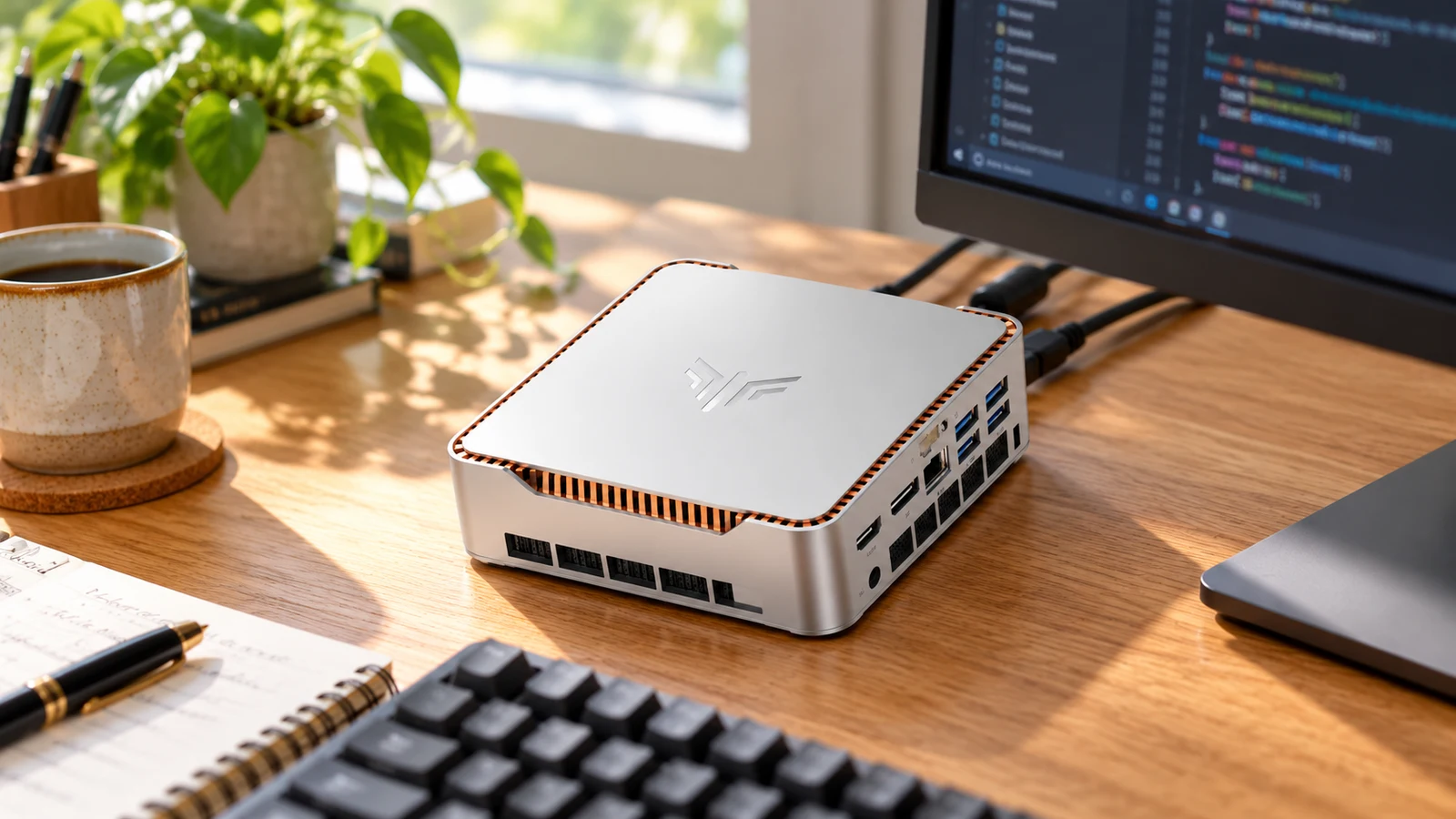 Buying guide
KAMRUI E3B vs H2: Pick the Right Mini PC Configuration
Three KAMRUI configurations for a home office or Linux desk, with the processor, memory and compatibility checks that matter before you buy.
Read the guide → Buying guide
ORICO 140W GaN Charger: Can One Plug Replace Your Laptop Brick?
What to check before replacing a laptop adapter with ORICO's three-port charger: USB-C input support, cable rating and power sharing.
Read the guide →