← Guides and reviews / Tech
Buying guide / Tech
KAIGERR Ryzen Laptops: Read the Configuration Before the Discount
A practical look at KAIGERR Ryzen 5 and Ryzen 7 laptop listings, with the screen, charging, support and gaming questions to settle before checkout.
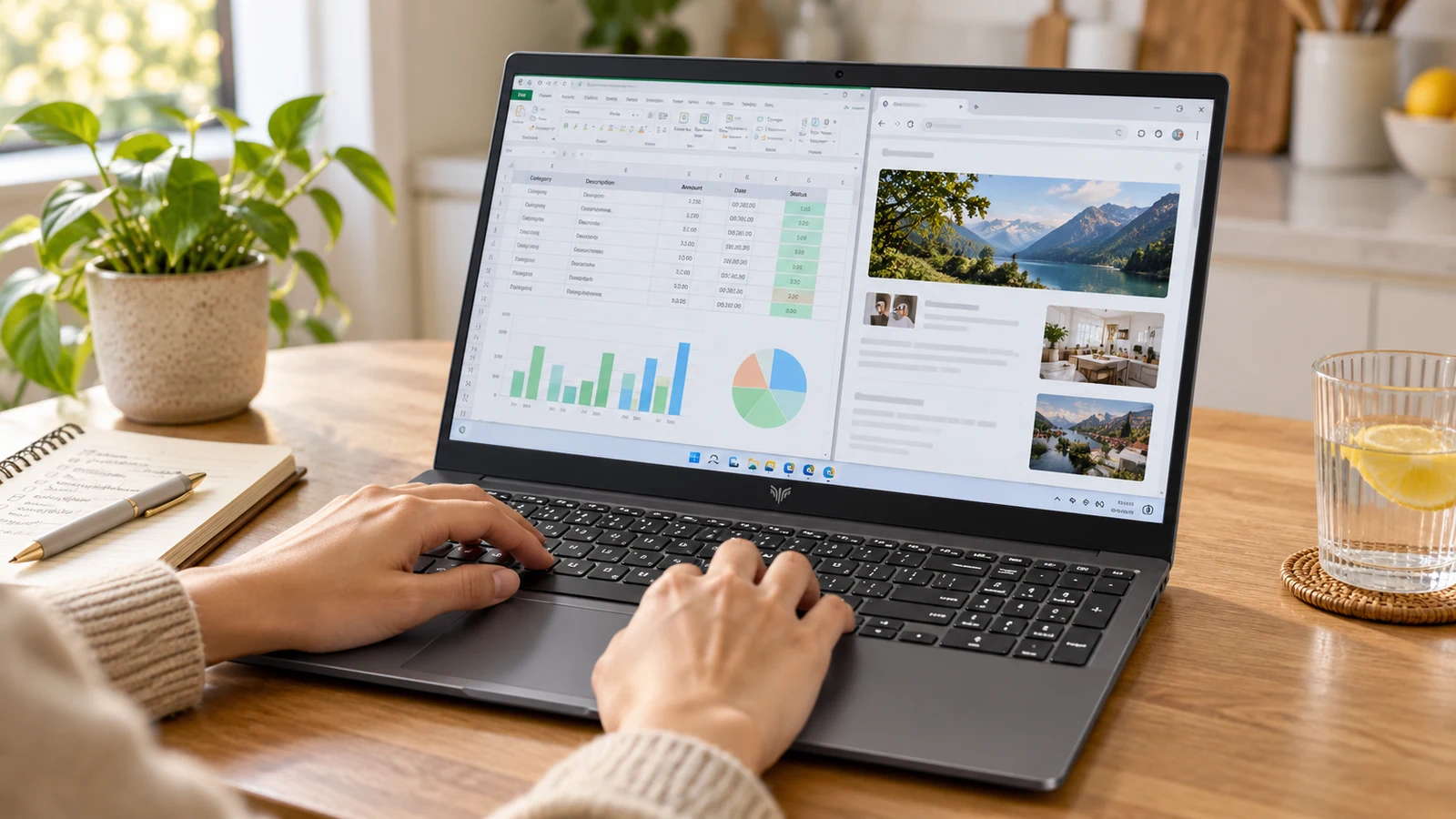
AI-generated illustration based on product reference imagery. Screen content is illustrative; this is not a hands-on test photograph.
A laptop sale becomes a good purchase only when the whole machine fits your day. Processor names and discount banners say very little about the screen you will stare at, the keyboard you will use or the support you will need if something fails.
KAIGERR’s Ryzen listings are a good example of why to slow down. We found different display sizes and processors promoted together, including a 15.6-inch Ryzen 7 5700U configuration and an 18.5-inch Ryzen 5 7430U configuration. They deserve separate comparisons.
Identify the machine before comparing the offer
| Listing | Configuration advertised | Likely shopping priority |
|---|---|---|
| B0HF7SXJT8 | Ryzen 7 5700U, 15.6-inch, 16GB RAM, 512GB SSD | A conventional-size everyday laptop |
| B0HDCYL6MR | Ryzen 5 7430U, 18.5-inch, 16GB RAM, 512GB SSD | A larger screen for mostly stationary use |
This table describes the listings we inspected, not a hands-on verification. Recheck the selected variant at checkout. Marketing for a laptop family can mention features that belong to another size or configuration.
The 5700U is an older processor design, even if a seller calls the complete laptop a 2026 model. Lenovo’s processor reference identifies it as an eight-core, sixteen-thread Zen 2 part. A newer listing date does not turn it into a new-generation AI processor.
Inspect the KAIGERR 15.6-inch Ryzen 7 listing
Inspect the KAIGERR 18.5-inch Ryzen 5 listing
What “light gaming” should mean to a buyer
The listed Ryzen configurations rely on integrated Radeon graphics. We would assess them as everyday computers first. If games matter, make a short list of the titles you play and look for testing of the same processor and memory arrangement at your intended resolution.
Do not treat “gaming laptop” as a promise of dedicated graphics. We have no measured frame rates, thermals or sustained-load results for these exact units. A game shown on the promotional screen is not a benchmark.
For schoolwork, office documents and browser-based tools, the more important questions may be whether the display is comfortable, the keyboard feels right and the machine has dependable sleep and wake behavior.
Ask about the screen, charging and battery
Before ordering, get the exact screen resolution, panel type and brightness specification. A larger diagonal does not guarantee more workspace or clearer text. If you edit photographs, ask about color coverage too; “Full HD” does not answer that question.
Check the laptop’s weight and dimensions against the bag you will actually use. The 18.5-inch machine may suit a permanent desk, but it needs a different portability comparison from a smaller notebook.
The presence of a USB-C socket does not establish USB-C charging or video output. Request explicit confirmation of both. That matters if you expect to use a docking station or the ORICO charger covered in this series. Keep the supplied power adapter until you have verified an alternative.
We also have no independently measured battery-runtime result for these exact configurations. Compare the battery’s rated capacity, the return policy and real tests of a matching model rather than accepting a vague all-day claim.
When would we buy?
Only after the seller supplies a coherent specification and a clear support route. Compare the current checkout price with a mainstream laptop that offers similar memory and storage, a documented display and support you can use. A large advertised saving from a reference price does not establish value.
During the return period, test the webcam, microphone, Wi-Fi, keyboard, sleep and wake, and charging under your actual workload. Our position is a cautious shortlist, not an unconditional recommendation. If it mostly stays on a desk, compare a mini PC plus the monitor you already own as well.
Explore the computing and backup-power collection for all eight guides.
The products

Light Gaming Laptop, ΑΜD Ryzen 7 5700U(Up to 4.3GHz), 16GB RAM 512GB SSD | 2026 Laptop Computer (8C/16T), 15.6 Inch Laptop, WiFi 6, BT5.2, HDMI Type-C USB 3.2, Numeric KB
$929.99
In stock
Checked . Prices and availability may change; Amazon confirms both at checkout.
See the current price and availability on Amazon.
As an Amazon Associate I earn from qualifying purchases.

KAIGERR 18.5 inch Light Gaming Laptop, ΑΜD Ryzen 7430U, 16GB RAM 512GB SSD
Currently unavailable.
Checked . Prices and availability may change; Amazon confirms both at checkout.
See the current price and availability on Amazon.
As an Amazon Associate I earn from qualifying purchases.
Each product shows when its price and availability were checked. Confirm the current offer on Amazon before buying.
Sources
Free weekly email
Get the Shop Llama Deal Drop
Fresh markdowns we spotted, straight to your inbox.
Fresh deals will land in your inbox soon.
Keep reading
 Buying guide
Buying a Dell or HP Desktop from a Third-Party Seller: What to Check
A desktop buying checklist for marketplace listings: exact configuration, seller upgrades, warranty ownership, graphics and the real cost of an all-in-one.
Read the guide → Buying guide
KAMRUI E3B vs H2: Pick the Right Mini PC Configuration
Three KAMRUI configurations for a home office or Linux desk, with the processor, memory and compatibility checks that matter before you buy.
Read the guide → Buying guide
KAMRUI Hyper H1 1TB: A Small Living-Room PC with Gaming Limits
Where the Ryzen 7 7735HS Hyper H1 fits: a compact TV or desk PC, with a realistic look at integrated graphics, memory and setup.
Read the guide →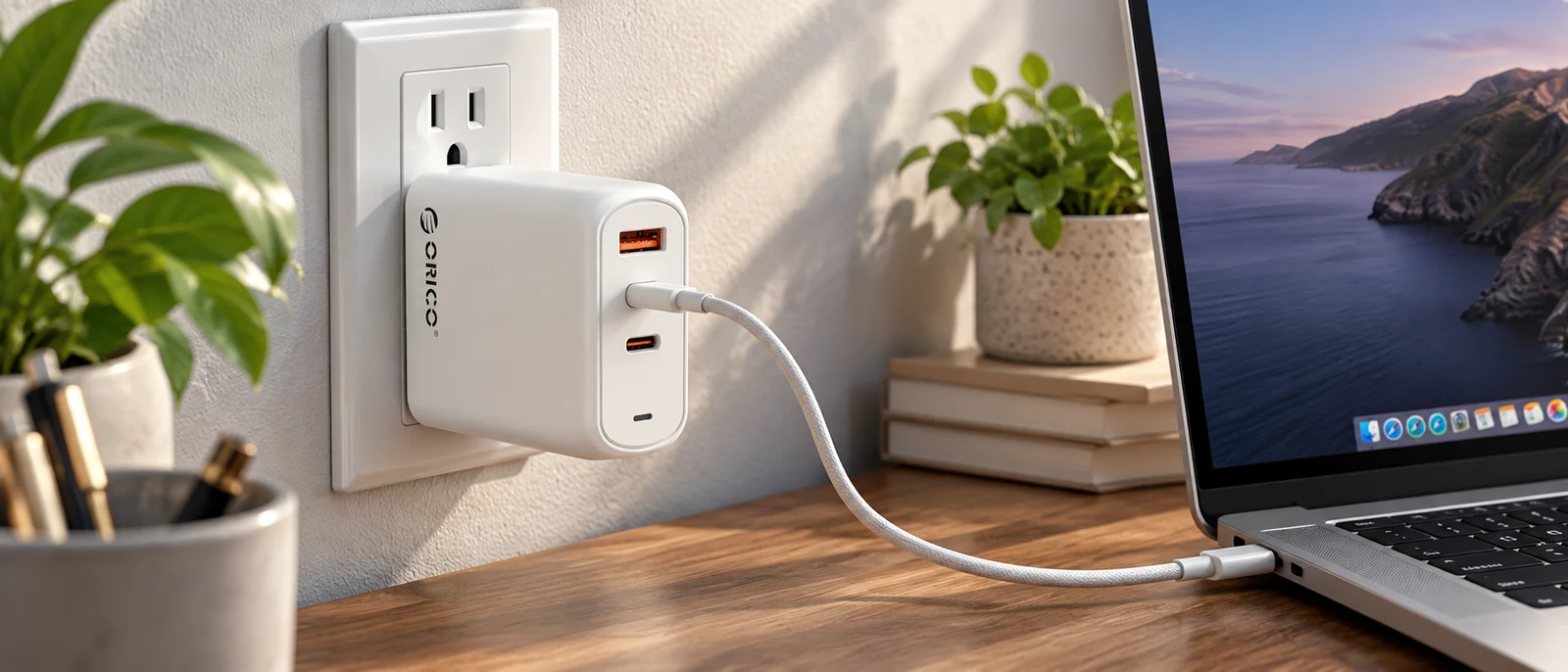 Buying guide
ORICO 140W GaN Charger: Can One Plug Replace Your Laptop Brick?
What to check before replacing a laptop adapter with ORICO's three-port charger: USB-C input support, cable rating and power sharing.
Read the guide →