← Guides and reviews / Tech
Buying guide / Tech
Mini PC Gift Guide: Three Small PCs for Casual Gaming and One for Serious Work
ACEMAGIC M1 and S3A, KAMRUI Hyper H1 and KAMRUI H2 as gifts: what integrated graphics really play, soldered vs upgradeable memory, noise, ports and who each one suits.
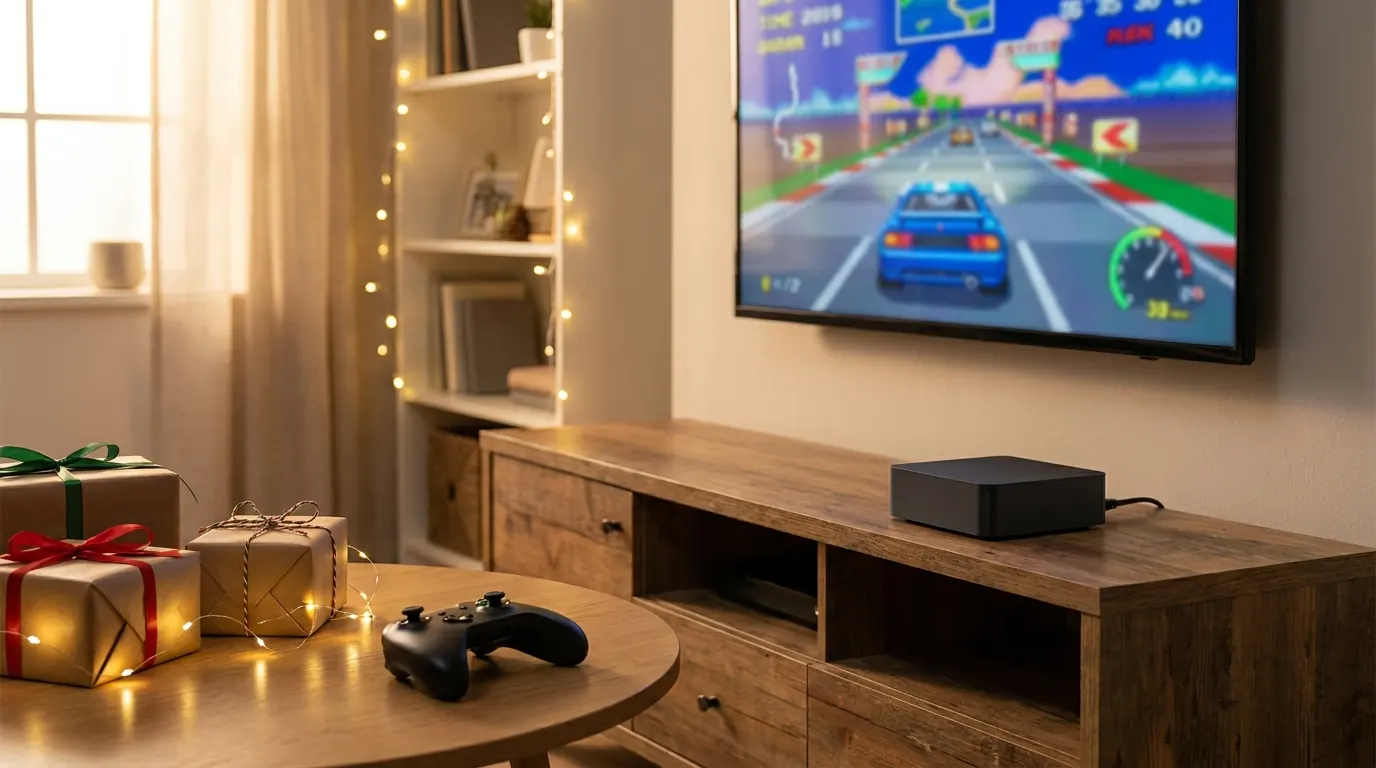
A mini PC makes a good gift for the same reason it makes a good computer: it is small, quiet and easy to set up, and it hides behind a monitor or under a TV. The tricky part is the word “gaming,” which gets stuck on almost every listing. None of the four machines here has a graphics card. Three rely on AMD integrated graphics that handle a surprising amount; the fourth has a very fast processor and graphics that are not meant for games at all.
This is a researched gift guide built from the Amazon listings, the makers’ specification pages and independent testing by Notebookcheck, Michael’s Tinkerings and MiniPC-Review. We have not tested these units ourselves. If you want the deep version of the two ACEMAGIC models, our M1 vs S3A comparison covers them in detail.
Quick picks
- Best small, quiet gift for casual gaming: ACEMAGIC M1, with 24GB of memory in a five-inch box.
- Best for living-room gaming and future upgrades: ACEMAGICIAN S3A, the strongest graphics here and the only USB4 port.
- Same recipe as the M1, with an independent review: KAMRUI Hyper H1.
- Best for coders, creators and spreadsheet power users (not gamers): KAMRUI H2 with the Core i7-14650HX.
What these machines actually play
Think of the three AMD machines as excellent esports and older-game boxes, not console replacements. Notebookcheck’s testing of the Radeon 680M (in the M1 and Hyper H1) and the newer 780M (in the S3A) keeps finding a modest gap between them, roughly 10 to 15 percent in its NucBox K12 review.
What that means in practice, from Notebookcheck’s numbers on a 680M mini PC it described as running below the average for that chip: Dota 2 averaged about 52 fps at 1080p on its highest preset, while Cyberpunk 2077 managed about 23 fps at 1080p Low and about 39 fps at 720p Low. Baldur’s Gate 3 landed around 25 fps at 1080p Low. So: esports titles, indies, older AAA games at lower settings, retro emulation and cloud gaming services are comfortable. This year’s big releases are a stretch on all three.
The KAMRUI H2 is a different animal. Its Intel UHD graphics have 16 execution units, and Notebookcheck says graphics of that class are not suitable for gaming in 2026. Buy it for what the processor does, not for games.
Illustration generated by Shop Llama for this guide. See the Amazon listing for actual product photos.
ACEMAGIC M1: the small, quiet one with more memory
The configuration: Ryzen 7 7736U (8 cores, 16 threads), Radeon 680M graphics, 24GB of LPDDR5-5500 memory and a 512GB SSD (B0HH8Q59XT). ACEMAGIC sells several M1 variants with different chips, so read the title before you buy.
It is the smallest box here at about 5 by 5 by 1.6 inches, it runs a 28-watt chip, and the listing claims under 30dB. You get HDMI 2.0, DisplayPort 1.4 and a 10Gbps USB-C port for up to three 4K screens, 2.5Gb Ethernet, Wi-Fi 6 and two M.2 slots for a second SSD later. The memory is soldered, so the 24GB is what it will always have; that is generous for games, a browser and Discord at the same time.
Who it suits: a teenager’s desk or a dorm room, someone who plays esports and older games, or a cloud gaming fan who wants a tidy box behind the monitor.
The caveat: the listing shows a one-year warranty, and there is no USB4 or OCuLink port, so no practical path to an external graphics card.
Check the ACEMAGIC M1 price on Amazon
ACEMAGICIAN S3A: the strongest graphics here
The configuration: Ryzen 7 H 255 (8 cores, 16 threads, Zen 4), Radeon 780M graphics, 16GB of LPDDR5-6400 memory and a 512GB PCIe 4.0 SSD (B0FXGK773Q). ACEMAGICIAN is the name ACEMAGIC uses on some Amazon listings.
The S3A is the one built to push harder. A physical dial switches between Silent, Auto and Performance modes, with Performance listed at up to 54 watts, and it has the only USB4 port in this guide, which opens the door to a USB4 graphics enclosure later. It also adds Wi-Fi 6E and RGB lighting. For a sense of the noise, Notebookcheck measured a 54-watt mini PC with the same processor at about 35 dB(A) idle and in the low 40s under load: fine across a living room, noticeable on a desk.
Who it suits: the gamer who will actually play a few nights a week, on a TV stand where fan noise matters less, and who may want to add an enclosure one day.
The caveat: 16GB of soldered memory is permanent, and Performance mode is audible. The listing shows a two-year warranty.
Check the ACEMAGICIAN S3A price on Amazon
KAMRUI Hyper H1: the same recipe, independently reviewed
The configuration: Ryzen 7 7735HS (8 cores, 16 threads, Zen 3+), Radeon 680M graphics, 24GB of LPDDR5-5500 soldered memory, and two M.2 slots that KAMRUI’s listing says take drives up to 4TB (B0DTPPMXX6).
On paper the Hyper H1 is very close to the M1: the same graphics, the same amount and speed of memory, a closely related processor. AMD rates the 7735HS at 35 to 54 watts, but Michael’s Tinkerings found its review unit’s BIOS held it to 28 watts, which puts it in the M1’s league rather than above it. That review (KAMRUI supplied the unit) measured about 55 watts at the wall under sustained load, a peak of about 85°C, and called it quiet even when working hard. The reviewer’s gaming advice: 720p on low settings for modern games, 1080p on medium for older ones.
It is a little taller than the M1 at about 129 by 129 by 51mm, and the reviewed unit had 2.5Gb Ethernet, Wi-Fi 6, a front USB-C port with display output, HDMI 2.0 and DisplayPort 1.4.
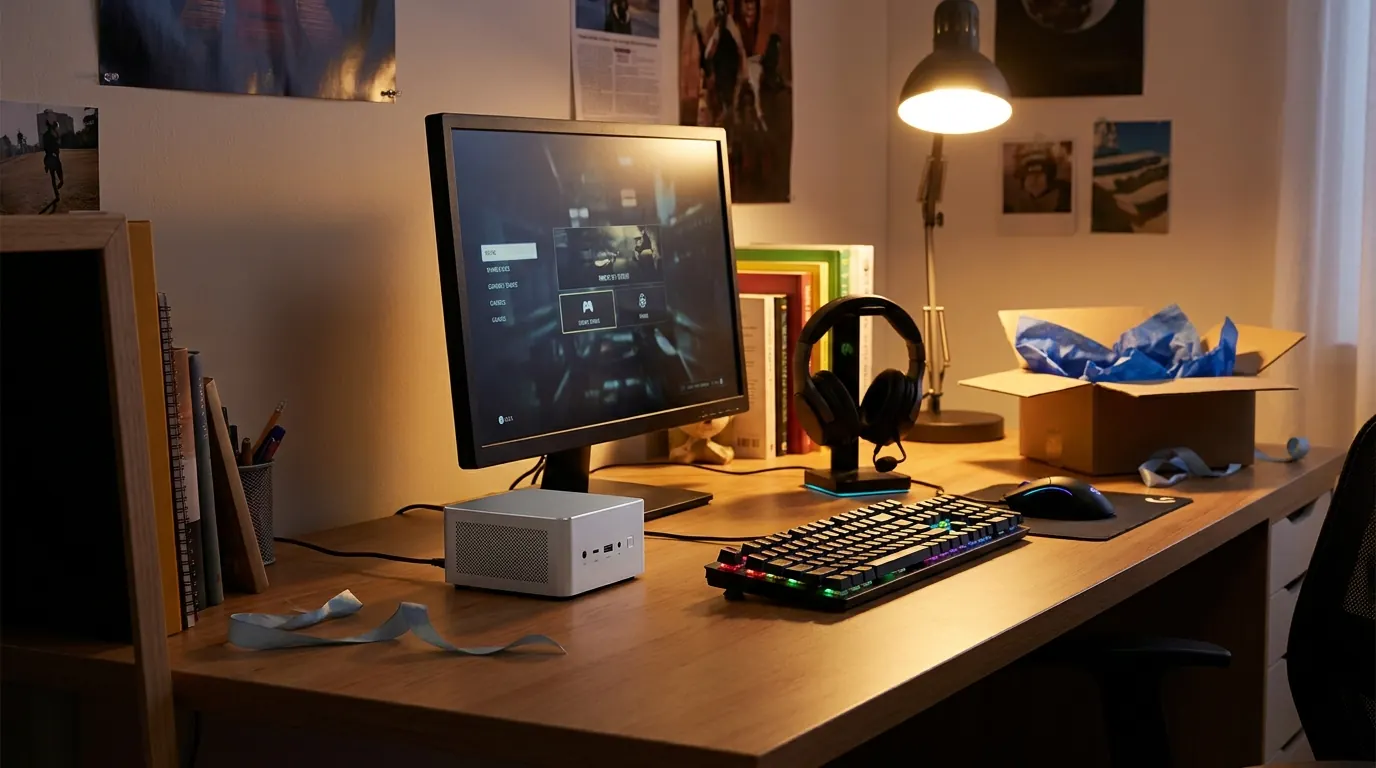 Illustration generated by Shop Llama for this guide. See the Amazon listing for actual product photos.
Who it suits: the same person as the M1, if you would rather buy the model with a published hands-on review behind it.
The caveat: the memory cannot be upgraded, and the warranty is listed inconsistently (one year in one place on the Amazon listing, two years in the bullets and on KAMRUI’s store), so confirm it with the seller.
Check the KAMRUI Hyper H1 price on Amazon
KAMRUI H2 (Core i7-14650HX): the serious work machine
The configuration: Intel Core i7-14650HX with 16 cores (8 performance, 8 efficiency) and 24 threads up to 5.2GHz, DDR4 memory and a 1TB SSD (B0GGNRJQX3). The listing title says 16GB while its bullets describe 32GB, so check the memory on the page before you buy.
This is a laptop-class “HX” chip that Intel rates at 55 watts base and up to 157 watts turbo, squeezed into a box about 128mm square. KAMRUI claims 55 watts sustained, and MiniPC-Review, an affiliate review site, measured about that, with temperatures reaching around 88 to 92°C after 15 minutes of a heavy rendering benchmark and roughly 43 dB from half a meter away. Translation: very fast for compiling code, big spreadsheets, photo editing and running many apps at once, and you will hear the fan when you push it.
Unlike the other three, its memory is not soldered. KAMRUI lists two SO-DIMM slots (up to 64GB on its store page) plus two M.2 slots, one of them PCIe 4.0. It drives three displays and has Gigabit Ethernet.
Who it suits: a developer, a student in engineering or data courses, a home office power user or a photo hobbyist who wants desktop-class processing in a tiny box.
The caveat: it is not a gaming PC, and with no USB4 or OCuLink port there is no route to adding a graphics card later.
Check the KAMRUI H2 price on Amazon
Before you wrap it
- It is only the computer. A mini PC needs a screen, a keyboard and mouse, and for couch gaming, a controller. If the recipient already has a monitor, check which inputs it has (HDMI, DisplayPort or USB-C).
- Memory is forever on three of these. The M1, S3A and Hyper H1 have soldered memory, so 16GB versus 24GB is a permanent choice. The H2 is the only one you can upgrade later.
- Match the exact listing. All four names cover several processor and memory configurations. Compare the title to the configuration listed here.
- Plan for the move. If the gift replaces an old desktop, our guide to replacing a tower with a mini PC walks through moving files and reactivating software.
 Illustration generated by Shop Llama for this guide. See the Amazon listing for actual product photos.
The bottom line
For most gift lists, the ACEMAGIC M1 is the easy answer: small, quiet and generous with memory for casual gaming and everyday use, with the KAMRUI Hyper H1 as its near twin backed by a hands-on review. Pick the ACEMAGICIAN S3A for someone who games often on a TV and might want an upgrade path, and the KAMRUI H2 for the person who needs raw processing power and never plays games. Check the current price of each on Amazon, and browse more tech picks or the Shop Llama blog.
The products
ACEMAGIC M1 (Ryzen 7 7736U, Radeon 680M, 24GB, 512GB)
Check price on Amazon →As an Amazon Associate I earn from qualifying purchases.
ACEMAGICIAN S3A (Ryzen 7 H 255, Radeon 780M, 16GB, 512GB)
Check price on Amazon →As an Amazon Associate I earn from qualifying purchases.
KAMRUI Hyper H1 (Ryzen 7 7735HS, Radeon 680M, 24GB)
Check price on Amazon →As an Amazon Associate I earn from qualifying purchases.
KAMRUI H2 (Core i7-14650HX, DDR4, 1TB)
Check price on Amazon →As an Amazon Associate I earn from qualifying purchases.
Amazon prices change often, so we do not list them here. Each button opens the current Amazon listing.
Sources
- Notebookcheck: Testing the performance of AMD Radeon 780M and 760M iGPUs with new drivers
- Notebookcheck: GMK NucBox K12 mini PC review: Bigger, but not necessarily faster (Ryzen 7 H 255, Radeon 780M)
- Notebookcheck: GMK NucBox K16 mini PC review: Older AMD Zen 3 CPU is good enough for most
- Notebookcheck: Intel UHD Graphics Xe 16EUs GPU: Benchmarks and Specs
- Michael's Tinkerings: Width over Depth: Kamrui Hyper H1 7735HS Review
- MiniPC-Review: KAMRUI Hyper H2 Review: Real-World Performance, Versions, and Opinion
- ACEMAGIC: ACEMAGIC S3A AMD Ryzen 7 H 255 Mini PC specifications
- KAMRUI: KAMRUI H1 Mini PC
- KAMRUI: KAMRUI H2 Mini PC specifications (Core i7-14650HX configuration)
- AMD: AMD Ryzen 7 7735HS
- Intel: Intel Core i7 processor 14650HX specifications
Free weekly email
Get the Shop Llama Deal Drop
Fresh markdowns we spotted, straight to your inbox.
Fresh deals will land in your inbox soon.
Keep reading
Tech Gifts People Actually Use: A Holiday Guide by Who's on Your List
Six well-reviewed tech gifts from Bose, Kindle, Apple, Anker, Echo and Aura, organized by recipient, plus the ecosystem, return and charger checks to make before you wrap.
Read the guide → Buying guideSmart Home Starter Guide: The First Six Devices to Buy and How to Make Them Work Together
A researched starter bundle from Amazon, Kasa, Philips Hue, Ring, Blink and Google Nest, plus Matter, Thread, 2.4GHz setup, camera subscriptions and privacy in plain English.
Read the guide → Buying guide
 How to Replace Your Desktop Tower With a Mini PC: A Practical Guide and Three Picks
What you gain and give up by swapping a tower for a mini PC, a pre-switch checklist, a step-by-step migration plan, and three picks from KAMRUI and ACEMAGICIAN.
Read the guide → Comparison
 ACEMAGIC M1 vs S3A: Which Gaming Mini PC Fits Your Desk (Radeon 680M vs 780M)?
Two ACEMAGIC gaming mini PCs side by side: what Radeon 680M and 780M graphics really handle, soldered memory, cooling and noise, ports, eGPU options and who should buy which.
Read the comparison →