← Guides and reviews / Tech
Comparison / Tech
ACEMAGIC M1 vs S3A: Which Gaming Mini PC Fits Your Desk (Radeon 680M vs 780M)?
Two ACEMAGIC gaming mini PCs side by side: what Radeon 680M and 780M graphics really handle, soldered memory, cooling and noise, ports, eGPU options and who should buy which.
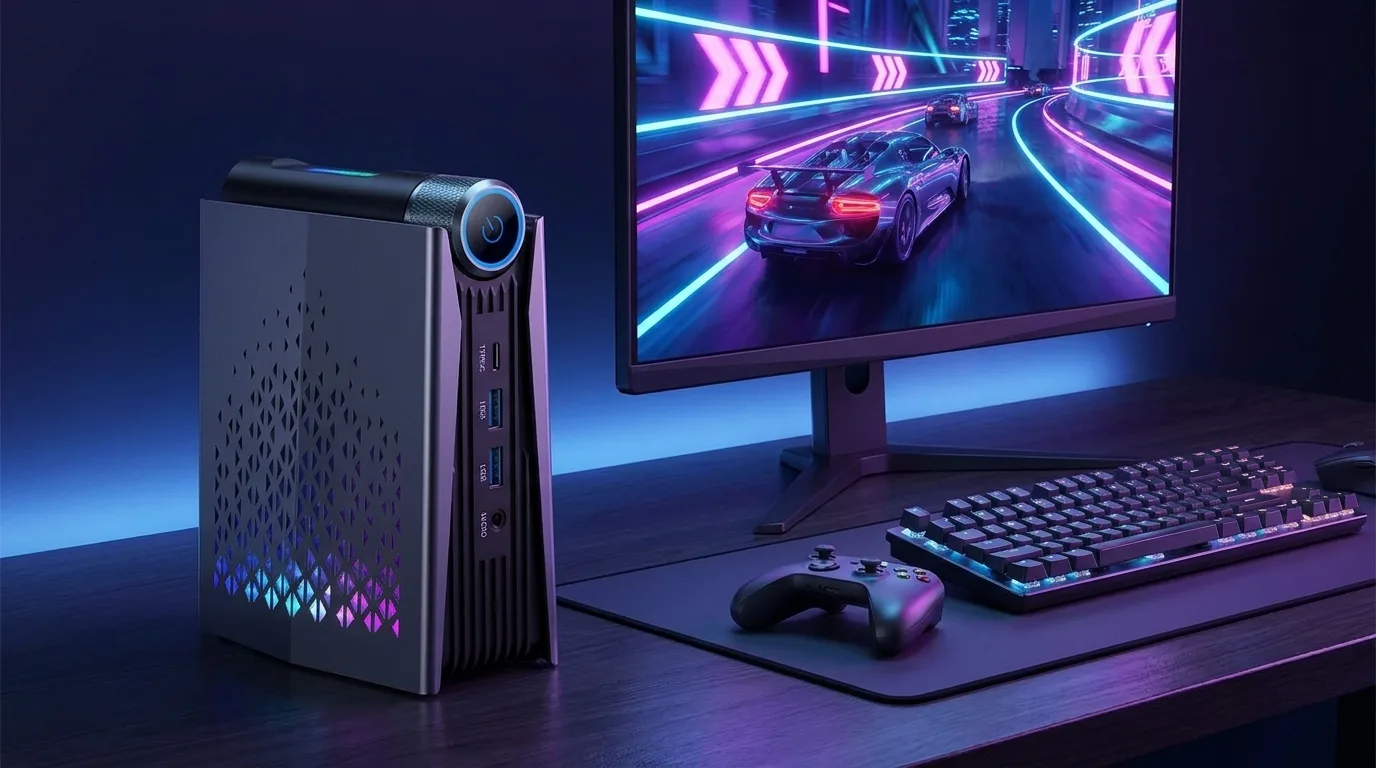
“Gaming mini PC” is one of the most stretched labels on Amazon. Neither of these machines has a graphics card. Both rely on AMD integrated graphics, which is good enough for a lot more than it used to be and still nowhere near a console or a desktop with a real GPU. The question is which flavor of “good enough” fits you.
The ACEMAGIC M1 pairs a Ryzen 7 7736U with Radeon 680M graphics and 24GB of memory in a small silver square. The ACEMAGICIAN S3A (the brand name ACEMAGIC uses on some Amazon listings) pairs a Ryzen 7 H 255 with the newer Radeon 780M and 16GB in a taller, RGB-lit tower with a performance dial. This is a researched comparison built from the Amazon listings, ACEMAGIC’s specification pages and independent testing of the same chips by Notebookcheck. We have not tested either unit ourselves.
The short version: the gaming gap between these two GPUs is smaller than the model numbers suggest. The real differences are memory size, ports, power and noise.
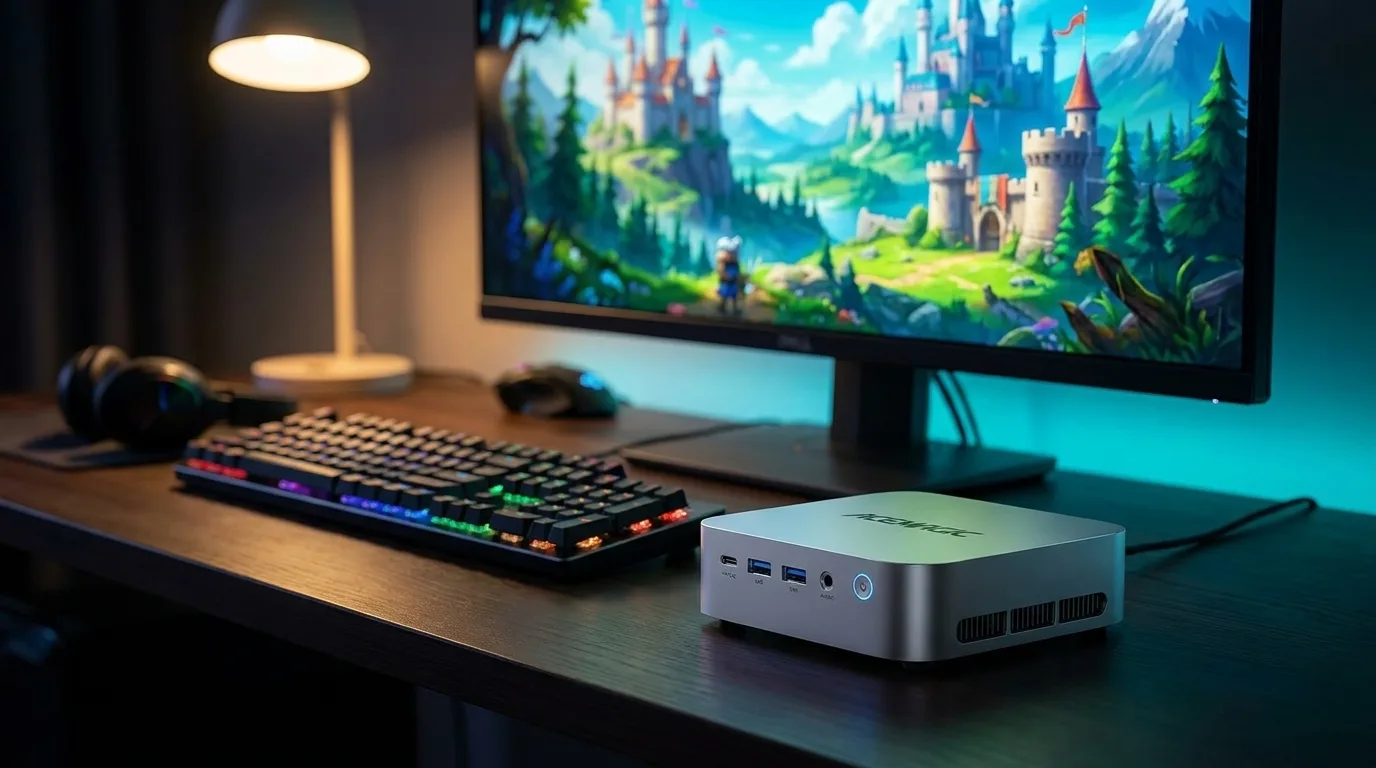 Illustration generated by Shop Llama for this guide. See the Amazon listing for actual product photos.
Side by side
| ACEMAGIC M1 | ACEMAGICIAN S3A | |
|---|---|---|
| Processor | Ryzen 7 7736U, 8 cores / 16 threads, Zen 3+, up to 4.7GHz | Ryzen 7 H 255, 8 cores / 16 threads, Zen 4, up to 4.9GHz |
| Graphics | Radeon 680M (RDNA 2), 12 cores, up to 2200MHz | Radeon 780M (RDNA 3), 12 cores, up to 2600MHz |
| Memory | 24GB LPDDR5-5500, soldered | 16GB LPDDR5-6400, soldered |
| Storage | 512GB PCIe 3.0 SSD, two M.2 2280 slots | 512GB PCIe 4.0 SSD, two M.2 2280 slots |
| Video outputs | HDMI 2.0, DisplayPort 1.4, USB-C (three 4K displays) | HDMI, DisplayPort 2.0, USB4 (three 4K displays) |
| USB-C | USB 3.2 Gen 2 (10Gbps) | USB4 |
| USB-A | 2 front (10Gbps), 4 rear | 2 front (10Gbps), 4 rear |
| Networking | 2.5Gb Ethernet, Wi-Fi 6, Bluetooth 5.2 | 2.5Gb Ethernet, Wi-Fi 6E, Bluetooth 5.2 |
| OCuLink | No | No |
| Power | Listed at 28W | Three modes: 20 to 35W, 30 to 45W, 40 to 54W |
| Size | About 5 x 5 x 1.6 in | About 5.3 x 6.4 x 2.8 in |
| Warranty (listing) | 1 year | 2 years |
What integrated graphics actually handle
Both GPUs have 12 compute units. The 780M uses AMD’s newer RDNA 3 design and clocks higher, so on paper it should win comfortably. In practice, Notebookcheck’s testing keeps landing on a modest gap. In its review of the GMK NucBox K12, a mini PC with the same Ryzen 7 H 255 as the S3A, Notebookcheck measured the 780M at roughly 10 to 15 percent faster than the 680M. Its earlier driver retest was blunter: in its game suite, there were generally no real differences between the two.
What that looks like in games, from Notebookcheck’s numbers:
- Esports and lighter titles run well. In the driver retest, Dota 2 at 1080p on its best-looking preset averaged about 75 fps on a 780M laptop and about 60 to 72 fps on two 680M laptops. Notebookcheck’s 780M overview says lighter games like FIFA 23 can run at higher settings at 1080p.
- Older AAA games need low to medium settings. The Witcher 3 at 1080p Ultra sat in the mid 20s for both chips in that same retest, which is why you turn settings down. Notebookcheck’s NucBox K2 review (Radeon 680M) says the GPU plays modern 3D titles at native 1080p with lower settings, typically in the 45 to 60 fps range, and recommends a FreeSync monitor to smooth that out.
- New, demanding releases are a stretch. Notebookcheck describes the 780M as able to run the latest titles at 900p to 1080p on lower settings, with games like Cyberpunk 2077 playable at minimum settings. Ray tracing exists on both chips but is too slow to use.
One caution on the M1: its Ryzen 7 7736U is a 28-watt chip, while the NucBox K2 uses a 35-watt 7735HS. In the driver retest, the 28-watt 680M laptop generally trailed the 35-watt one (about 60 versus 72 fps in Dota 2), so expect the M1 toward the lower end of the 680M results.
Emulation and cloud gaming are where both machines are comfortable. Older consoles are generally light work for a modern eight-core chip; demanding newer emulators vary game by game, so check community compatibility lists for the titles you care about. Cloud services like Xbox Cloud Gaming or GeForce Now barely touch the GPU at all. Your internet connection is the limit, and both have 2.5Gb Ethernet for a stable wired link.
Memory: soldered, so buy the size you need
Integrated graphics borrow system memory, so RAM speed and capacity matter more here than in a PC with a graphics card. Both machines run LPDDR5 in dual channel, which is the right way to feed an iGPU. Both also have it soldered to the board, and ACEMAGIC describes both configurations as non-upgradable.
That makes this the most important spec difference. The M1’s 24GB leaves more room for a game, a browser, Discord and the graphics allocation at the same time. The S3A’s 16GB is faster (6400 versus 5500MT/s, which helps the 780M), but some of it is reserved for graphics, and you can never add more. If you multitask heavily or run memory-hungry creative apps, the M1’s 24GB is the safer long-term bet.
Cooling and noise
The M1 is a compact, low-power box. Its listing claims under 30dB, and a 28-watt chip is easier to keep quiet than a 54-watt one. We have not found independent noise measurements for this exact configuration.
The S3A uses dual fans and a physical dial for Silent, Auto and Performance modes. The listing puts Silent at 20 to 35 watts and about 35dB, with Performance unlocking 40 to 54 watts. For a sense of what a 54-watt Ryzen 7 H 255 mini PC sounds like, Notebookcheck measured the GMK NucBox K12 at about 35 dB(A) idling and in the low 40s under load, which it called average for a mini PC (not quiet). Expect the S3A in Performance mode to be audible from the couch; Silent mode trades away some frame rate for a calmer room.
Illustration generated by Shop Llama for this guide. See the Amazon listing for actual product photos.
Ports, and when an eGPU or OCuLink matters
Day to day, the port layouts are similar: two fast USB-A ports on the front, four on the back, HDMI, DisplayPort, a USB-C port, 2.5Gb Ethernet and an audio jack. Both drive three 4K displays.
The difference is the USB-C port. The M1’s is USB 3.2 Gen 2 (10Gbps), fine for a monitor or a fast drive. ACEMAGIC lists the S3A’s as USB4, which supports higher-resolution displays (ACEMAGIC quotes 4K at 120Hz) and opens the door to a USB4 graphics enclosure. ACEMAGIC’s page also lists HDMI 2.1 and Wi-Fi 6E for the S3A, though the Amazon listing’s display bullet says HDMI 2.0, so check the seller’s details if you need 4K at 120Hz over HDMI specifically.
Neither machine has OCuLink, the direct PCIe connection that serious external GPU setups use. If you already know you want to add a desktop graphics card later, look at a mini PC with a dedicated OCuLink port instead (our 32GB mini PC buying guide covers one). For the S3A, a USB4 enclosure is a workable upgrade path, but it carries less bandwidth than OCuLink, and the enclosure, card and power supply are all extra purchases. The M1 has no practical eGPU path.
Storage is easy on both: two M.2 2280 slots, so you can add a second SSD for a game library. The S3A’s slots and included drive are PCIe 4.0 and sit behind a magnetic cover; the M1 ships with a PCIe 3.0 drive, which you will not notice in load times for most games.
ACEMAGIC M1: the quiet one with more memory
Buy this configuration: Ryzen 7 7736U, Radeon 680M, 24GB, 512GB (B0HH8Q59XT). ACEMAGIC sells several M1 variants with 7735HS, 6800H and Intel chips, and even an AMD M1 with 32GB, so read the title carefully.
Who should pick it: someone who mostly works, browses and streams, plays esports and older games at 1080p on lower settings, emulates retro consoles or uses cloud gaming, and wants a small, quiet box that mounts behind a monitor. The extra memory is its strongest argument.
The caveat: the lowest-power chip here, no USB4 and no upgrade path for graphics. The listing also shows a one-year warranty, half the S3A’s. Check the current price on Amazon.
ACEMAGICIAN S3A: more headroom, more noise
Buy this configuration: Ryzen 7 H 255, Radeon 780M, 16GB LPDDR5, 512GB (B0FXGK773Q). ACEMAGIC also sells S3A versions with Ryzen 9 8945HS and replaceable SO-DIMM memory, plus older chips, so make sure the title matches.
Who should pick it: the buyer who will actually game a few nights a week, wants the extra power budget and faster graphics memory, likes the idea of a performance dial and RGB, and may want a USB4 dock or graphics enclosure later. It also suits a TV stand, where the extra fan noise matters less.
The caveat: 16GB of soldered memory is the ceiling forever, and Performance mode is not quiet. The listing shows a two-year warranty. Check the current price on Amazon.
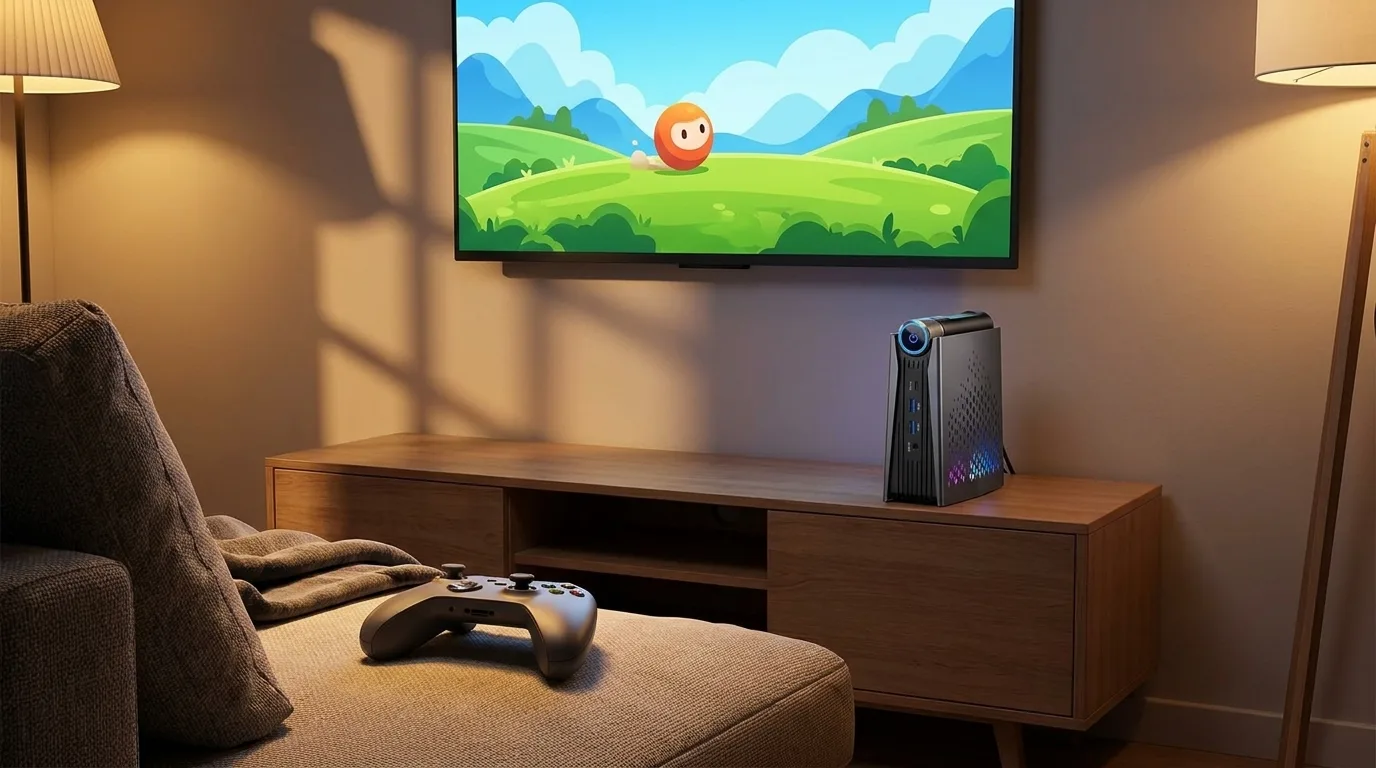 Illustration generated by Shop Llama for this guide. See the Amazon listing for actual product photos.
How to choose
- Be honest about the games. If your list is esports, indies, older AAA and emulation, either works. If it is this year’s big releases, neither is a substitute for a real graphics card.
- Memory first. Soldered RAM is permanent. If you are torn, 24GB versus 16GB is a bigger long-term difference than 680M versus 780M.
- Noise and placement. A desk under your nose favors the M1; a TV stand across the room hides the S3A’s fans.
- Future upgrades. Want a graphics enclosure someday? The S3A’s USB4 is the only option of the two. Want OCuLink? Look elsewhere.
- Confirm the exact listing. Both names cover several processors and memory configurations.
The bottom line
The S3A is the faster gaming machine, but by a smaller margin than its newer GPU suggests, and it pays for that with fan noise and 16GB of memory you can never expand. The M1 gives up some frame rate for more memory and a quieter, smaller box. Pick the S3A for living-room gaming and a USB4 upgrade path; pick the M1 if gaming is the side dish and memory matters more. Check the current price of both on Amazon, and browse more tech picks or the rest of the Shop Llama blog.
The products
ACEMAGIC M1 (Ryzen 7 7736U, Radeon 680M, 24GB, 512GB)
Check price on Amazon →As an Amazon Associate I earn from qualifying purchases.
ACEMAGICIAN S3A (Ryzen 7 H 255, Radeon 780M, 16GB, 512GB)
Check price on Amazon →As an Amazon Associate I earn from qualifying purchases.
Amazon prices change often, so we do not list them here. Each button opens the current Amazon listing.
Sources
- ACEMAGIC: ACEMAGIC S3A AMD Ryzen 7 H 255 Mini PC specifications
- ACEMAGIC: ACEMAGIC M1 AMD Ryzen 7 7735HS Mini PC specifications (same M1 chassis)
- Notebookcheck: AMD Radeon 680M: GPU benchmarks and specs
- Notebookcheck: AMD Radeon 780M: GPU benchmarks and specs
- Notebookcheck: Testing the performance of AMD Radeon 780M and 760M iGPUs with new drivers
- Notebookcheck: GMK NucBox K12 mini PC review: Bigger, but not necessarily faster (Ryzen 7 H 255, Radeon 780M)
- Notebookcheck: GMK NucBox K2 Ryzen 7 7735HS mini PC review (Radeon 680M)
Free weekly email
Get the Shop Llama Deal Drop
Fresh markdowns we spotted, straight to your inbox.
Fresh deals will land in your inbox soon.
Keep reading
Tech Gifts People Actually Use: A Holiday Guide by Who's on Your List
Six well-reviewed tech gifts from Bose, Kindle, Apple, Anker, Echo and Aura, organized by recipient, plus the ecosystem, return and charger checks to make before you wrap.
Read the guide → Buying guideSmart Home Starter Guide: The First Six Devices to Buy and How to Make Them Work Together
A researched starter bundle from Amazon, Kasa, Philips Hue, Ring, Blink and Google Nest, plus Matter, Thread, 2.4GHz setup, camera subscriptions and privacy in plain English.
Read the guide → Buying guide
 How to Replace Your Desktop Tower With a Mini PC: A Practical Guide and Three Picks
What you gain and give up by swapping a tower for a mini PC, a pre-switch checklist, a step-by-step migration plan, and three picks from KAMRUI and ACEMAGICIAN.
Read the guide →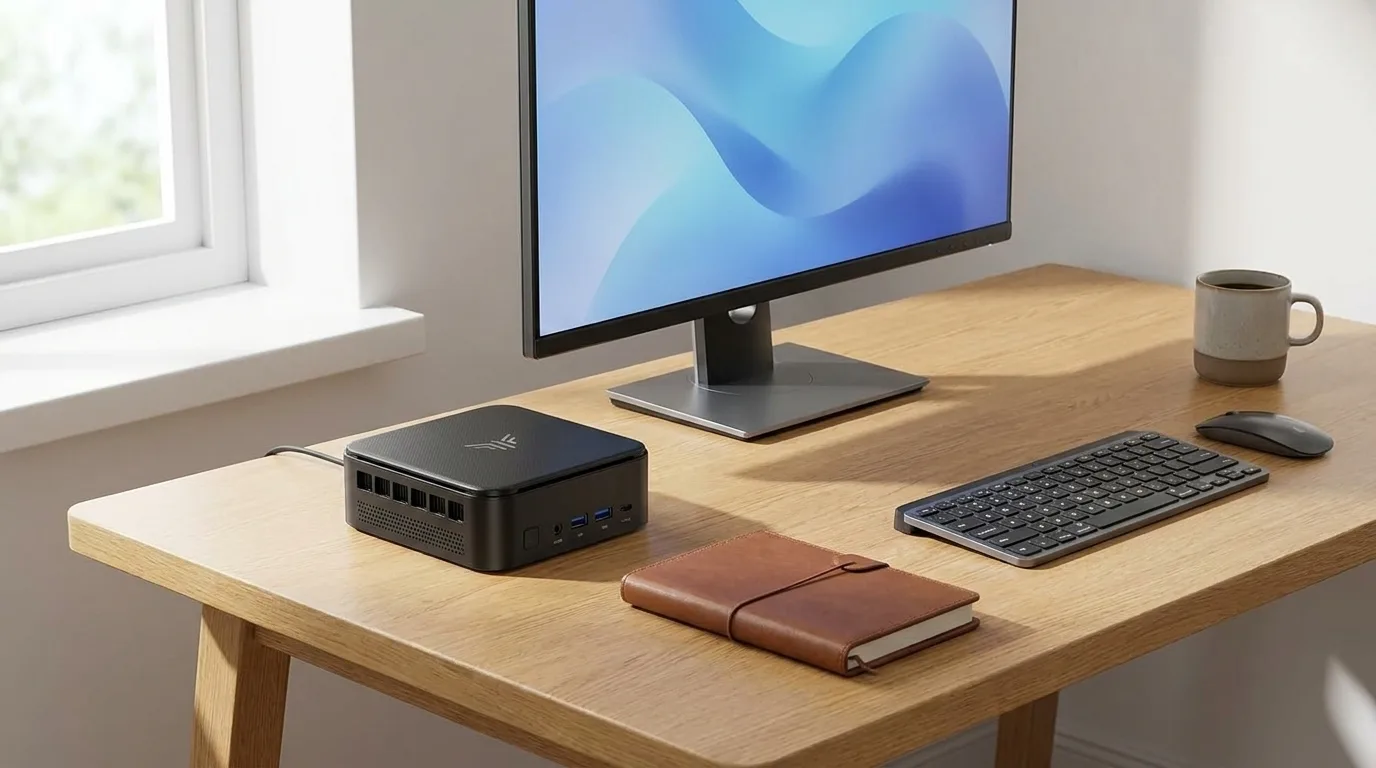 Buying guide
 Budget Mini PCs for Home and Office: A Fall 2026 Guide to Four Small Desktops
KAMRUI and ACEMAGIC mini PCs compared on processor generation, soldered vs upgradeable RAM, SSD slots, display outputs and Wi-Fi, with who each one fits.
Read the guide →