← Guides and reviews / Tech
Buying guide / Tech
Budget Mini PCs for Home and Office: A Fall 2026 Guide to Four Small Desktops
KAMRUI and ACEMAGIC mini PCs compared on processor generation, soldered vs upgradeable RAM, SSD slots, display outputs and Wi-Fi, with who each one fits.
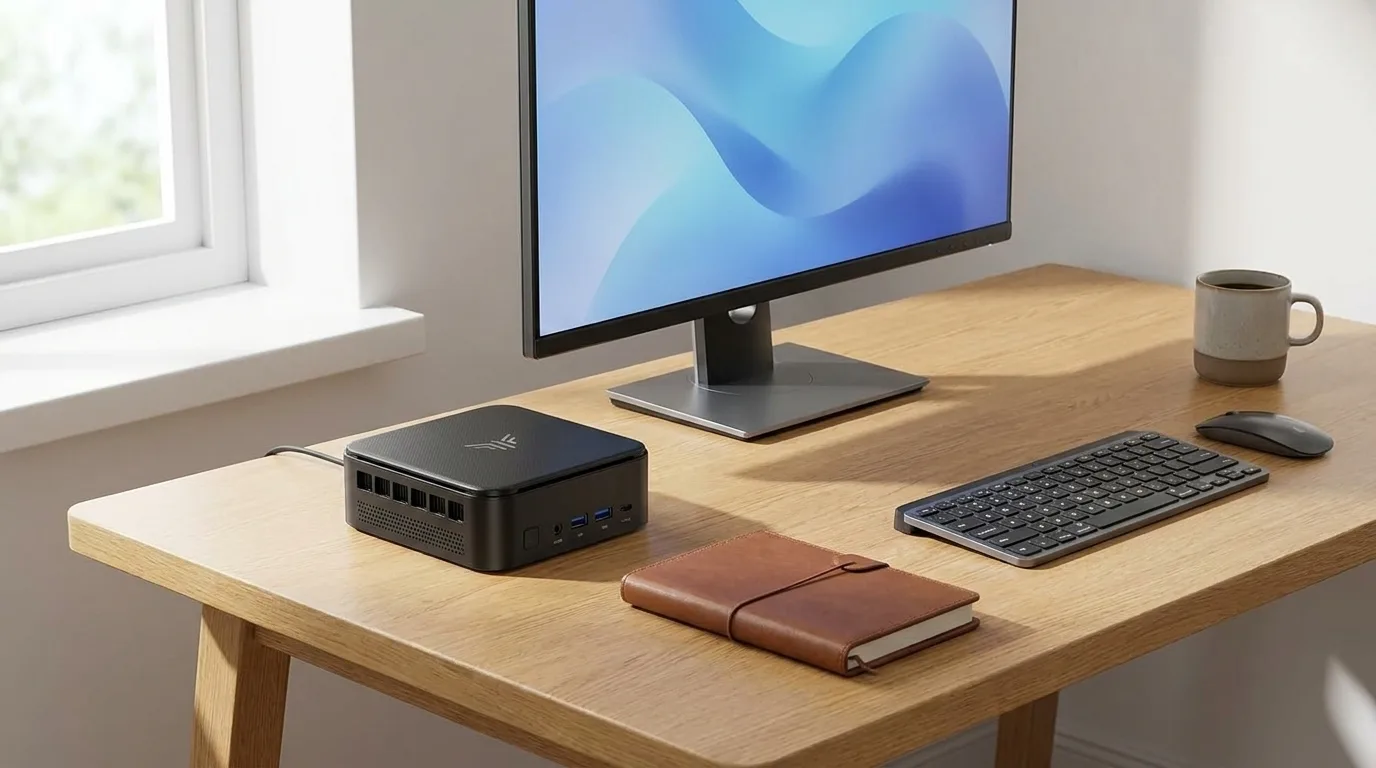
A budget mini PC is the easiest way to put a real Windows computer on a desk, under a TV or in a kid’s room without a tower humming in the corner. For email, documents, video calls, school portals and streaming, a small box with a laptop-class processor is plenty. The catch is that “budget” covers chips released anywhere from 2019 to 2024, and the spec sheets rarely tell you which corners were cut.
This guide covers four entry-level machines from KAMRUI and ACEMAGIC: the KAMRUI E3B, KAMRUI Pinova P2, KAMRUI Hyper H2 and ACEMAGIC V1. It is a researched guide built from the Amazon listings, AMD and Intel specification pages and published reviews, not a hands-on test. Where a listing and an official spec sheet disagree, we say so. If you want more memory than these offer, our 32GB-class mini PC buying guide picks up where this one stops.
Illustration generated by Shop Llama for this guide. See the Amazon listing for actual product photos.
Quick picks
- Best all-round home office pick: KAMRUI E3B, with a newer six-core Ryzen chip, Wi-Fi 6 and two SSD slots.
- Best for a living-room media PC: KAMRUI Pinova P2, with three 4K outputs and two SSD slots for a media library.
- Best for heavier multitasking and light photo editing: KAMRUI Hyper H2, the fastest processor and most memory here.
- Best for a simple homework or kiosk PC: ACEMAGIC V1, the smallest and most basic box, with a memory slot you can upgrade.
First, the processors in plain English
Ryzen 3 4300U and Ryzen 5 3500U (older tier). These are laptop chips from early 2020 and early 2019. AMD’s spec pages list the 4300U as four cores and four threads (Zen 2), and the 3500U as four cores and eight threads (the older Zen+ design) with Radeon Vega 8 graphics. Both handle browsing, Office, video calls and 4K streaming. Neither is quick at heavier work, and they will feel their age sooner.
Ryzen 5 7530U (middle tier). AMD launched it in 2023 with six cores, twelve threads and the Zen 3 design. In practice that is a noticeable step up for many browser tabs, big spreadsheets and juggling apps, while still running at a modest 15W.
Intel Core 5 220H (top tier here). Intel’s spec page lists 12 cores (4 performance plus 8 efficiency), 16 threads, up to 4.9GHz and a 45W base power. It is a 2024 “H” chip built for performance laptops, so it has the most headroom of the four, and the most fan to go with it.
KAMRUI E3B: the balanced pick
The listing to buy is the Ryzen 5 7530U, 16GB LPDDR4X, 512GB SSD version. KAMRUI sells several E3B models (including Ryzen 7 versions), so check the processor in the title.
The 16GB of memory is soldered to the board, and the listing says plainly that it cannot be upgraded. Storage is more flexible: KAMRUI documents two M.2 2280 slots, one for NVMe or SATA drives and one that takes SATA only. You get triple 4K output through HDMI 2.0, DisplayPort 1.4b and a full-function USB-C port, plus Wi-Fi 6, Bluetooth 5.2, Gigabit Ethernet and six USB-A ports. KAMRUI’s store lists a two-year warranty and a footprint of about 128mm square.
There is no in-depth independent review of this exact 7530U version. The Gadgeteer reviewed a Ryzen 7 E3B in the same small chassis and praised the plug-and-play setup and the generous port selection. TechRadar tested the related NiPoGi E3B (a Ryzen 5 7430U version sold through KAMRUI) and called it a reliable, business-focused box that is fine for Office apps but not exciting, noting its slower SATA drive held back performance. One meaningful difference: that version used replaceable DDR4 sticks, while this one does not.
Who should pick it: a home office or small business desk, or a family PC that should still feel responsive in a few years.
The caveat: 16GB is permanent. Check the current price on Amazon.
KAMRUI Pinova P2: the living-room media box
This is the Ryzen 4300U, 16GB LPDDR4, 512GB SSD configuration in a silver case about 5 inches square, with a VESA mount for hiding it behind a monitor or TV.
Its standout feature at this tier is three 4K 60Hz outputs (HDMI 2.0, DisplayPort 1.4 and a 10Gbps USB-C port with video). It also has two M.2 2280 slots, one NVMe or SATA and one SATA only, which suits a media library. You also get Gigabit Ethernet and two 10Gbps USB-A ports. The listing says “WiFi/BT” without naming a generation, so do not assume Wi-Fi 6. The memory is LPDDR4, which is normally soldered, so plan on 16GB for life.
A spec to read carefully: the listing title says “4C/8T”. AMD’s own spec page lists the Ryzen 3 4300U as four cores and four threads. The listing’s performance comparisons against Intel chips are KAMRUI’s own claims, not independent tests. The warranty listed is one year.
Who should pick it: a home theater PC for streaming and media playback, or an office desk that needs three monitors on a tight budget.
The caveat: the oldest-feeling processor of the KAMRUI trio. Check the current price on Amazon and compare it with the E3B.
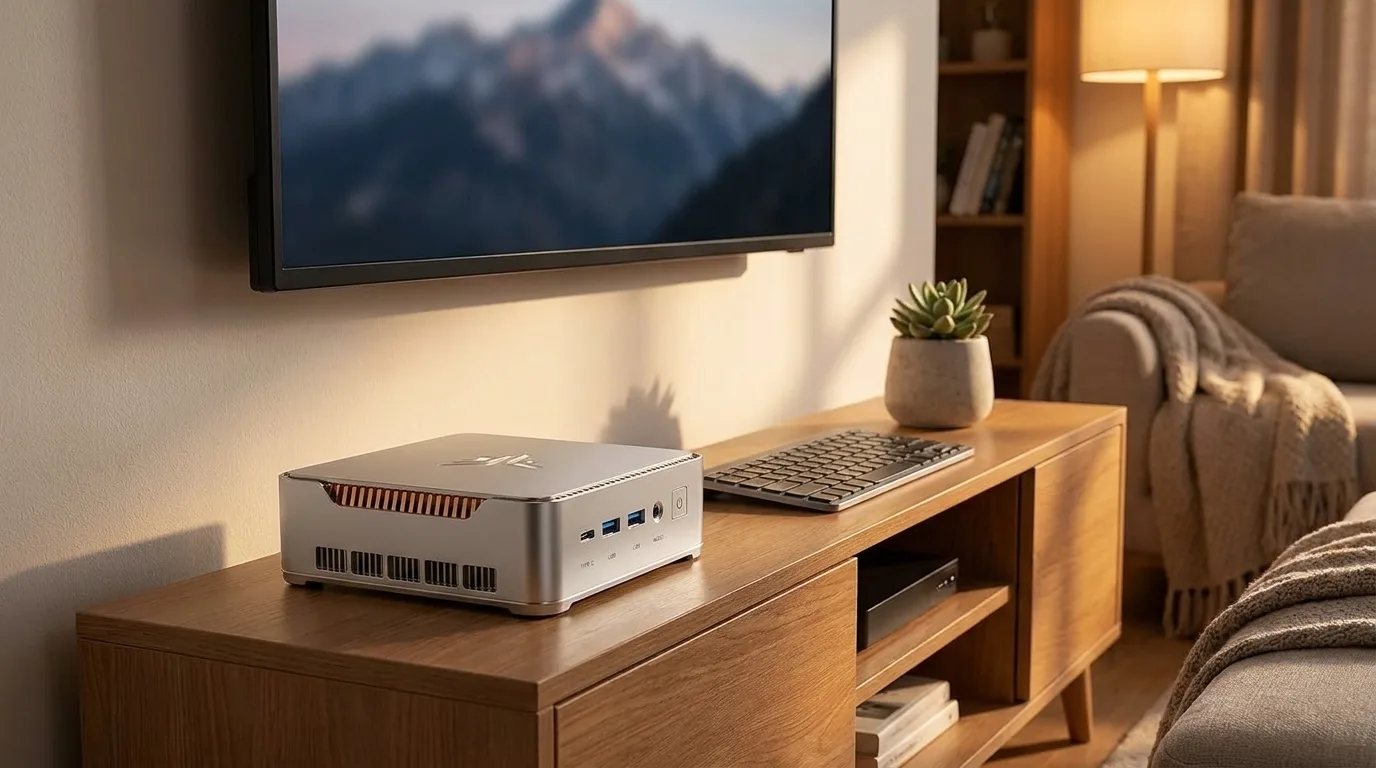 Illustration generated by Shop Llama for this guide. See the Amazon listing for actual product photos.
KAMRUI Hyper H2: the most headroom
Buy the Core 5 220H, 24GB LPDDR5, 512GB SSD version. The Hyper H2 name covers several chips (Core i5, i7 and i9 HX models among them), so the processor in the title matters.
With 12 cores and 24GB of memory, this is the one to choose for big spreadsheets, dozens of tabs, light coding or light photo editing. PCWorld, writing about the same chip and memory in another mini PC, said the Core 5 220H should handle general productivity and more demanding multitasking, with 24GB giving plenty of headroom. The listing adds triple 4K output (HDMI 2.0, DisplayPort 1.4 and USB-C with DisplayPort Alt Mode), seven USB ports, Gigabit Ethernet, Wi-Fi 6, Bluetooth 5.2, dual fans and two M.2 slots for up to 4TB in total. The title names a PCIe 3.0 SSD, and the listing shows a two-year warranty.
The memory question: the listing says the machine supports up to 64GB, but LPDDR5 is normally soldered rather than socketed. Armchair Arcade’s review of an i5-14450HX Hyper H2 found two SO-DIMM slots, but that version uses DDR4. Treat 24GB as fixed unless the seller confirms otherwise. That review also found a plastic chassis, fans that get noticeably loud under sustained heavy load, Wi-Fi far slower than wired in their test, and integrated graphics that rule out serious gaming.
Who should pick it: a power user or home office worker who wants the most speed in a small box.
The caveat: more fan noise under load than the low-power chips. Check the current price on Amazon.
ACEMAGIC V1: the simple starter PC
This is the Ryzen 5 3500U, 8GB DDR4, 256GB SSD model with Windows 11 Pro, in a tiny 4 by 4 inch case with a VESA mount.
It is the most basic machine here, and the specs say so: dual 4K output through HDMI 2.0 and DisplayPort 1.4 (no USB-C video on this listing), two USB 3.2 Gen 1 and two USB 2.0 ports, Gigabit Ethernet, and Wi-Fi 5 with Bluetooth 4.2 rather than Wi-Fi 6. The upside is that the memory sits in a replaceable SO-DIMM slot, and the listing says that slot takes up to 16GB (its spec table says 8GB, so confirm before you buy a stick). Storage is a single M.2 2280 slot for an NVMe or SATA drive up to 2TB. ACEMAGIC claims fan noise below 38dB and offers a one-year warranty.
We found no independent in-depth review of the V1. With 8GB and a 2019 processor, it is best kept to light duty.
Who should pick it: a kid’s homework PC, a kitchen recipe and video station, or a kiosk.
The caveat: 8GB fills up fast with modern browsers; budget for a 16GB stick. Check the current price on Amazon.
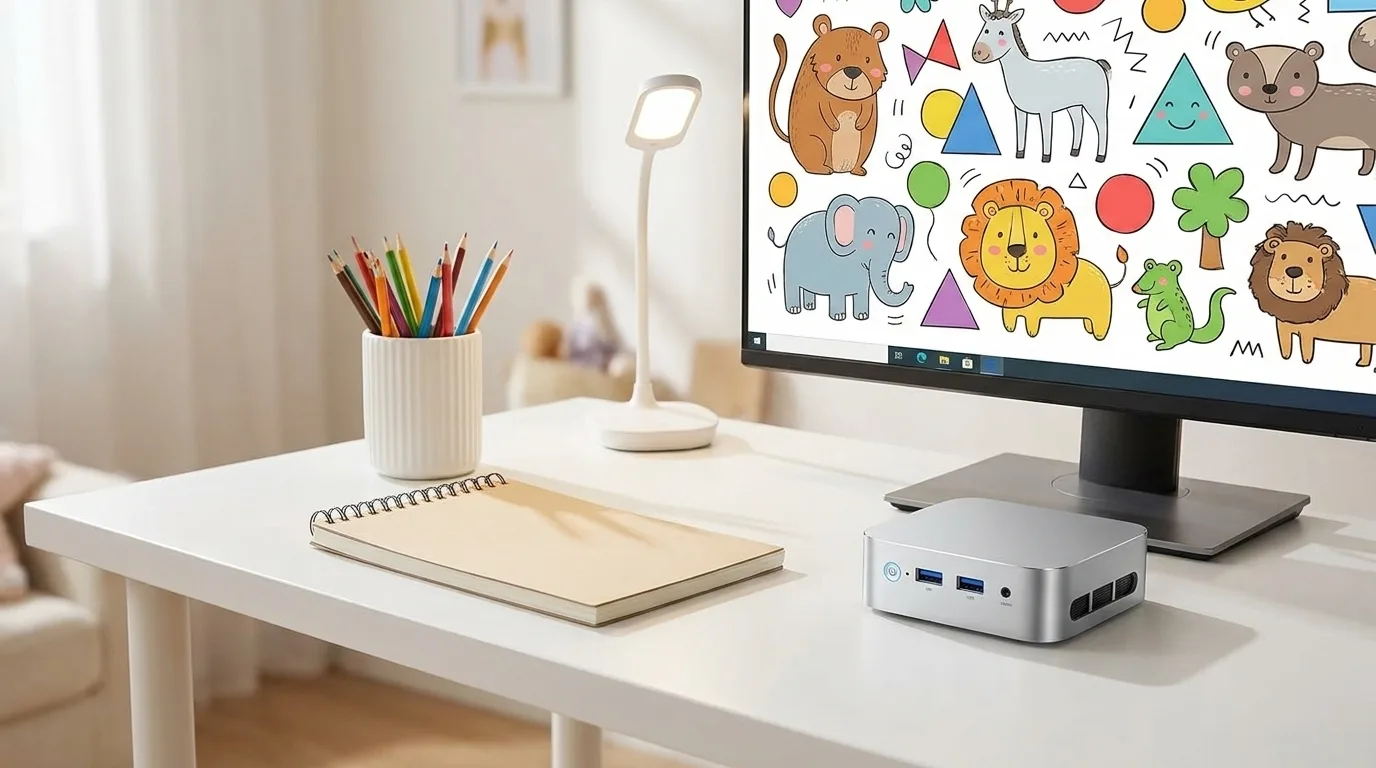 Illustration generated by Shop Llama for this guide. See the Amazon listing for actual product photos.
How to choose
Processor generation. For anything you will use daily for years, the Zen 3 Ryzen 5 7530U or the Core 5 220H is the safer bet. The older 4300U and 3500U are fine for single-purpose roles such as streaming or homework.
Soldered vs upgradeable memory. The E3B, P2 and (most likely) H2 use soldered memory, so buy the amount you will need. The V1 is the only one here with a socket you can upgrade, which offsets its small starting amount.
SSD slots. Two slots (E3B, P2, H2) let you add a second drive for photos or media without an external enclosure. On the KAMRUI AMD models the second slot is SATA only, so it is for capacity, not speed.
Display outputs. Three of the four drive three 4K monitors; the V1 drives two. If you want a single cable to a USB-C monitor, skip the V1.
Wi-Fi. Wi-Fi 6 (E3B, H2) helps on a busy home network. For a desktop that stays put, the Ethernet port on every model here is the more reliable choice anyway.
Confirm the exact listing. KAMRUI and ACEMAGIC reuse model names across very different chips, so match the processor, memory and storage in the title to the configuration you want.
The bottom line
For most homes and offices, the KAMRUI E3B is the sensible middle: a modern six-core chip, Wi-Fi 6 and room for a second drive. The Pinova P2 earns its spot under a TV, the Hyper H2 is the one for heavier work, and the ACEMAGIC V1 is a simple starter box that you can upgrade with more memory. Check the current price on Amazon for each before deciding, and browse more tech deals or the rest of the Shop Llama blog.
The products
KAMRUI E3B (Ryzen 5 7530U, 16GB, 512GB)
Check price on Amazon →As an Amazon Associate I earn from qualifying purchases.
KAMRUI Pinova P2 (Ryzen 4300U, 16GB, 512GB)
Check price on Amazon →As an Amazon Associate I earn from qualifying purchases.
KAMRUI Hyper H2 (Core 5 220H, 24GB, 512GB)
Check price on Amazon →As an Amazon Associate I earn from qualifying purchases.
ACEMAGIC V1 (Ryzen 5 3500U, 8GB, 256GB)
Check price on Amazon →As an Amazon Associate I earn from qualifying purchases.
Amazon prices change often, so we do not list them here. Each button opens the current Amazon listing.
Sources
- AMD: AMD Ryzen 5 7530U processor specifications
- AMD: AMD Ryzen 3 4300U specifications and drivers
- AMD: AMD Ryzen 5 3500U specifications and drivers
- Intel: Intel Core 5 processor 220H product specifications
- KAMRUI: KAMRUI E3B Mini PC specifications
- TechRadar: NiPoGi E3B 2025 Edition mini PC review
- The Gadgeteer: KAMRUI E3B Mini PC review
- Armchair Arcade: KAMRUI Hyper H2 Mini PC review: A compact CPU powerhouse
- PCWorld: Best mini PC deals: Top Intel and AMD picks
Free weekly email
Get the Shop Llama Deal Drop
Fresh markdowns we spotted, straight to your inbox.
Fresh deals will land in your inbox soon.
Keep reading
Tech Gifts People Actually Use: A Holiday Guide by Who's on Your List
Six well-reviewed tech gifts from Bose, Kindle, Apple, Anker, Echo and Aura, organized by recipient, plus the ecosystem, return and charger checks to make before you wrap.
Read the guide → Buying guideSmart Home Starter Guide: The First Six Devices to Buy and How to Make Them Work Together
A researched starter bundle from Amazon, Kasa, Philips Hue, Ring, Blink and Google Nest, plus Matter, Thread, 2.4GHz setup, camera subscriptions and privacy in plain English.
Read the guide → Buying guide
 How to Replace Your Desktop Tower With a Mini PC: A Practical Guide and Three Picks
What you gain and give up by swapping a tower for a mini PC, a pre-switch checklist, a step-by-step migration plan, and three picks from KAMRUI and ACEMAGICIAN.
Read the guide →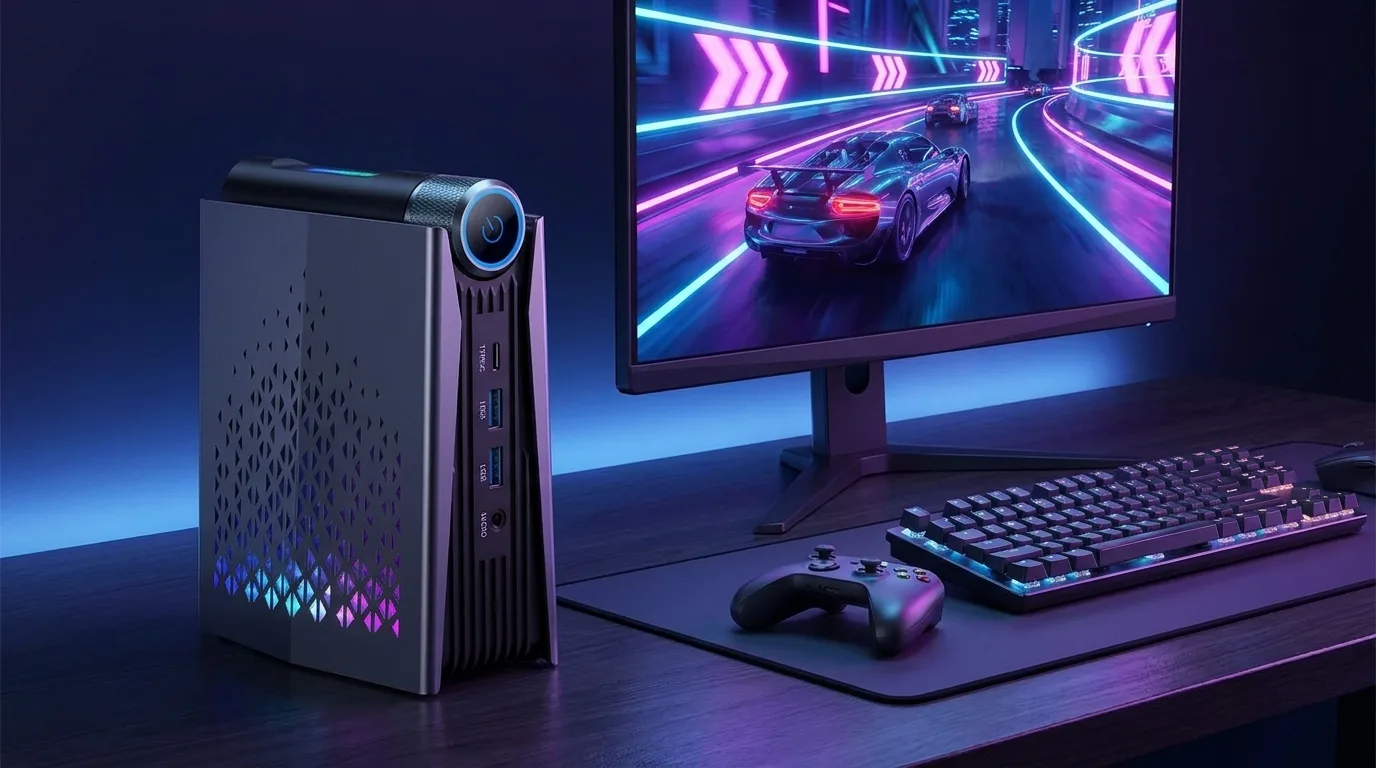 Comparison
 ACEMAGIC M1 vs S3A: Which Gaming Mini PC Fits Your Desk (Radeon 680M vs 780M)?
Two ACEMAGIC gaming mini PCs side by side: what Radeon 680M and 780M graphics really handle, soldered memory, cooling and noise, ports, eGPU options and who should buy which.
Read the comparison →